

A family budget doesn't fail because nobody wanted to save money. It fails because tracking it by hand is tedious, and the apps built to make it less tedious have a wide range of quality: from genuinely useful automation to subscription upsells dressed up as budgeting tools.
The good news: the useful end of that range is well established and free or nearly free to start. Below is the honest breakdown of the two real approaches, what "linking your bank account" actually means for your data, and the upsell pattern worth watching for before you commit to anything.
Worth using
- Uses a recognizable, established bank-linking connection rather than asking for your bank password directly on its own screen.
- States plainly how it makes money: subscription, referral fees, or aggregated data, in its own privacy policy.
- Offers a real manual-entry or free tier, not just a time-limited trial of the paid plan.
- Lets you export or delete your data if you stop using it.
Skip it
- Asks you to type your online banking password into its own login form.
- Free trial requires a credit card and doesn't clearly state when it converts to a paid subscription.
- Vague or absent privacy policy about what happens to your linked transaction data.
- Pushes credit card or loan offers aggressively based on your spending history.
- 1
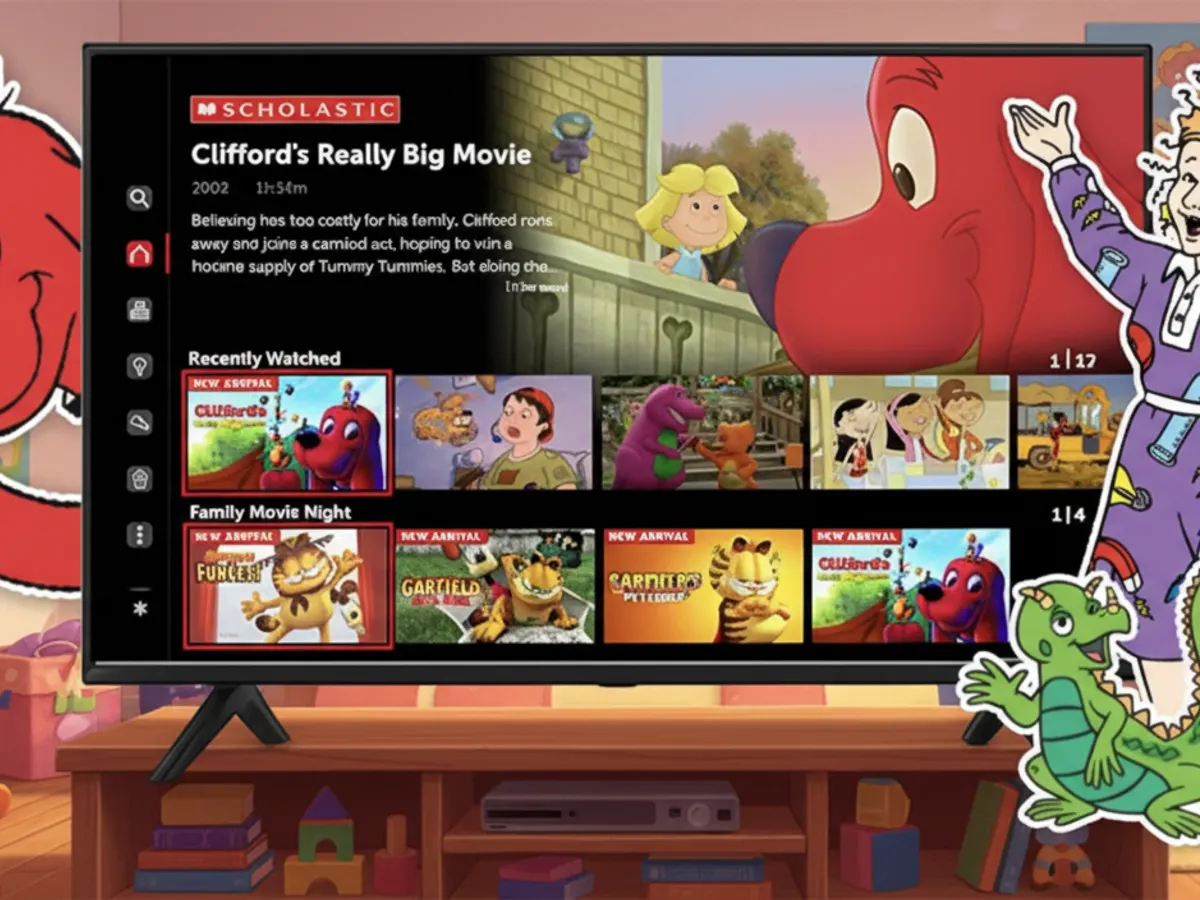 Goosebumps & Giggles, Now Streaming Free from Scholastic
Scholastic’s FREE streaming app for kids (ages 2-12) offers 400+ hours of ad-supported shows like Clifford, Magic School Bus, and more. Available now on Roku and Amazon Fire TV, no subscription needed!
Quality 5/5 - 2
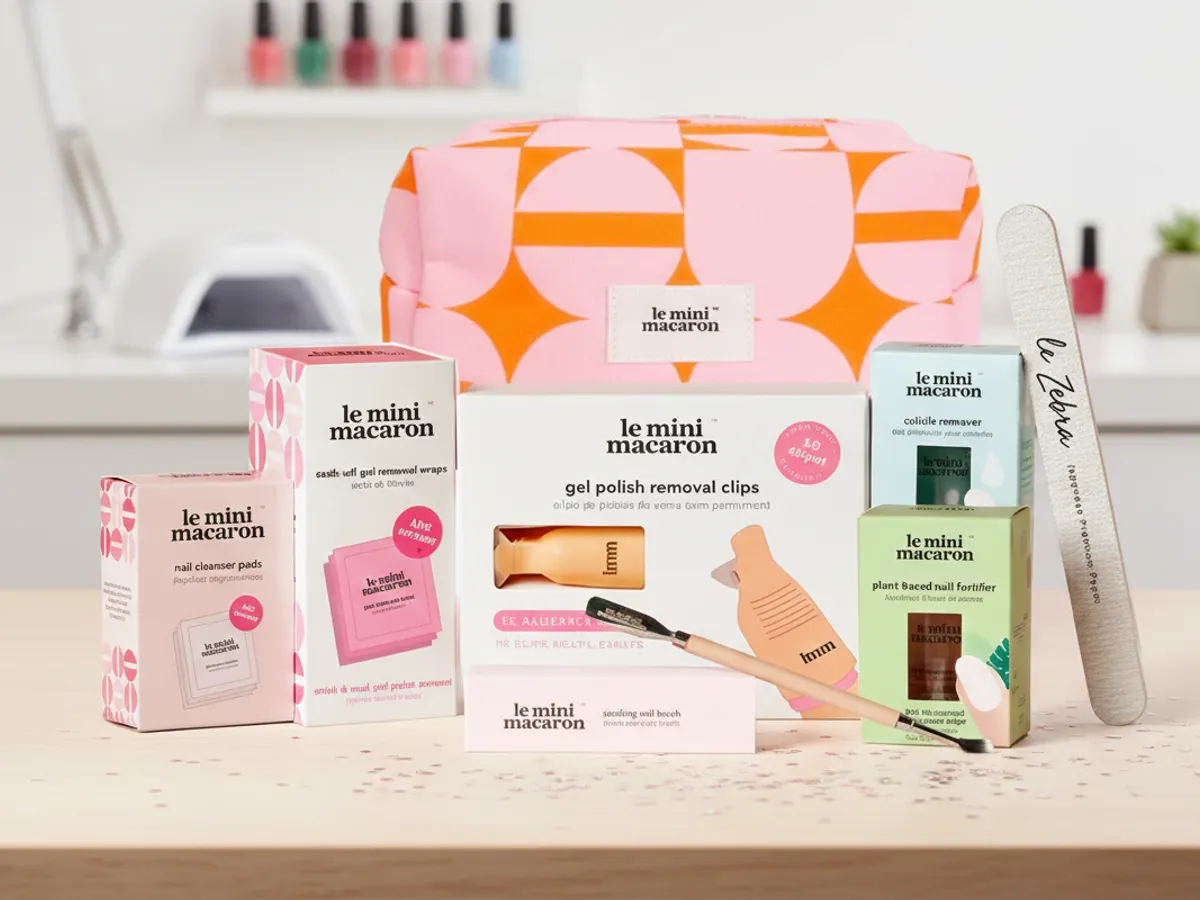 Gel Manicure Kit
Grab a Free Gel Manicure Kit + other $0 items, no payment info needed and shipping is free! Just click the link, add to cart, and checkout.
Quality 5/5 - 3
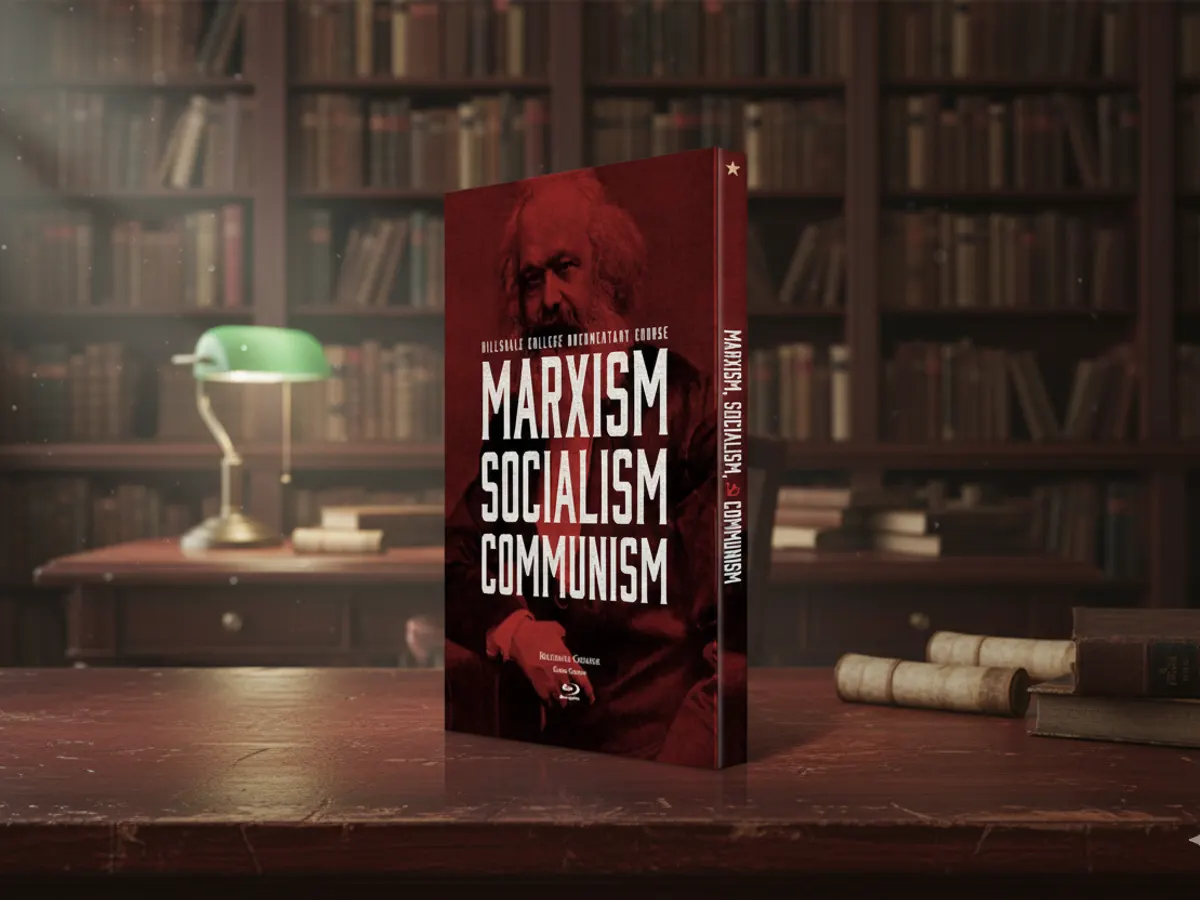 Collector’s Free Box Set on Marxism & Communism
Get a FREE Marxism, Socialism, and Communism Blu-ray Box Set from Hillsdale College. Explore the history and ideas, free shipping included.
Quality 4.9/5 - 4
 Free from Hillsdale: Explore Christianity’s Origins ($100 Value)
Get a free Ancient Christianity DVD Set ($100 value) from Hillsdale College to explore the history and teachings of the early church.
Quality 4.8/5 - 5
 Bring Joy to Your Walls, Free "12 Stories of Hope & Light" Calendar
Get your inspiring faith calendar with beautiful photography, free while supplies last!
Quality 4.8/5 - 6
 The Legend of Jack: The Legend Begins Book
My brain cells are trapped in a box of internet deals, so this free "Legend of Jack: The Legend Begins" book is a lifeline. Add it to your cart, pop in code BOOK1, and enjoy some *actual* literature without spending a dime. Seriously, a free book is practically stealing, and I'm good at that.
Quality 4.8/5 - 7
 Your Guide to Better Living, Free Men’s Health
Get a free 1-year Men’s Health digital subscription covering fitness, nutrition, lifestyle, and wellness.
Quality 4.8/5 - 8
 Celebrate Black Excellence: Enjoy ESSENCE FREE for a Year!
Get a FREE 1-year ESSENCE Magazine subscription (12 issues) from Mercury Magazines, no cost or obligation! Fill out the short form and expect your first issue in 6-8 weeks.
Quality 4.8/5
Envelope-method apps
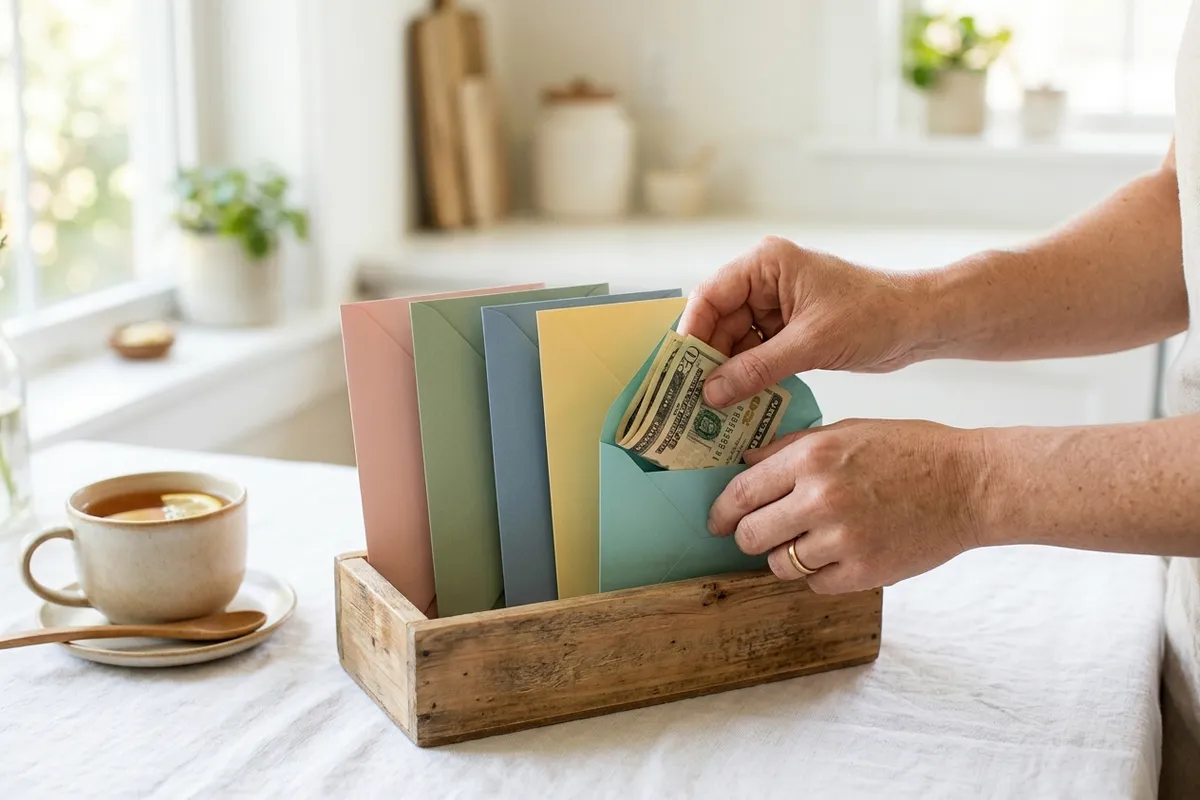
The envelope method assigns every dollar of income a job the moment it arrives: rent, groceries, gas, savings, instead of waiting to see what's left at the end of the month. YNAB (You Need a Budget) is the best-known app built specifically around this method; it pulls in transactions to save you manual logging but keeps the core discipline of assigning money to categories up front. This approach tends to work best for households that want to actively change spending habits, since it forces a decision about every dollar rather than passively watching where money went after the fact.
Bank-linked auto-tracking apps
Apps like Monarch Money, Copilot, and PocketGuard take a more passive approach: link your accounts, and the app automatically pulls in and categorizes transactions, then shows you spending patterns and a monthly picture. This suits households that want visibility without actively managing category-by-category allocations. The tradeoff is exactly that passivity: seeing where money went after it's already spent is a different habit than deciding where it goes beforehand. Pricing and free-tier limits shift over time across all of these, so confirm current plans directly rather than relying on a number you saw in a review.
Seeing where your money went after it's already spent is a different habit than deciding where it goes beforehand. Neither is wrong because they solve different problems.
What "linking your bank account" actually means
Established budgeting apps don't store your online banking password themselves. They connect through a third-party layer (Plaid is the most common one behind the scenes) that your bank has a security relationship with. The app receives transaction and balance data through that layer; it never sees or holds your actual login credentials, and the connection can't initiate a transfer or payment. That's a meaningfully different risk profile than an app that puts its own username-and-password form in front of you and asks for your real bank login directly, a pattern worth treating as a hard red flag regardless of how professional the app otherwise looks.
If you'd rather not link a bank account at all, that's a reasonable choice, not a downgrade. Manual-entry budgeting (a spreadsheet, or an app's manual mode) trades automation for full control over what you share, and plenty of people prefer that trade.

Frequently Asked Questions
Budgeting apps and free samples are solving different sides of the same problem: one helps you see and control what's already going out, the other reduces what you need to buy in the first place. Neither one is a silver bullet on its own, and the same rule applies to both: read what an offer or app is actually asking for before you hand it access, and treat a credit-card-gated free trial as a subscription, not a freebie.
The samples below are refreshed automatically as FreebieAgent's scoring system finds and verifies new ones, one more way to reduce what has to fit in the budget in the first place.